

Picture a typical Friday night at your restaurant. The dinner gimik crowd is pouring in, the kitchen is frantic, and you are trying to manage the chaos without a reliable POS sales dashboard to guide you. You are simultaneously checking the cash register to see if you hit your daily target, running back to the kitchen to manually count if you have enough pork belly left, and mentally calculating waiter tips on a stained piece of paper. Sound familiar?
For many restaurant owners, this chaos is just “part of the job.” But it shouldn’t be.
The biggest danger to your restaurant’s bottom line is siloed data. When your front-of-house sales numbers don’t communicate with your back-of-house inventory numbers, you are essentially flying blind. You lose money to unseen food waste, unchecked pilferage, and inefficient staffing.
The solution? A unified, cloud-based system like CukCuk that brings all these metrics together. When you centralize your operations, you stop guessing and start growing.
Why You Need a Real-Time POS Sales Dashboard (Not Just End-of-Day Reports)
Relying on end-of-day or end-of-week reports is like driving while looking in the rearview mirror. You only see what has already happened, when it is too late to fix it.
Instant Decision Making
There is a massive difference between seeing your data now versus next week. Imagine you are running a special on a best-selling dish, and the lunch rush hits hard. A real-time POS sales dashboard tells you the moment your ingredients dip to critical levels, allowing you to seamlessly 86 the item from the menu before a customer orders it and gets disappointed.
Accessibility
You cannot be at the restaurant 24/7. Whether you are expanding to a new location or simply stuck in EDSA traffic, a modern Restaurant Management System Philippines allows you to monitor your business remotely. Through the CukCuk Owner App, you can check live operations directly from your smartphone, even when you aren’t physically at the store.
Mastering Sales Tracking
Looking at the cash register at the end of the night only tells half the story. To truly scale, you need to look deeper.
-
Revenue vs. Profit: Gross sales look great on paper, but they don’t pay the bills. A smart system looks beyond just gross sales by automatically factoring in your food costs to show your actual profit margins.
-
Peak Hour Analysis: When exactly is your “lunch rush” or “dinner slam”? Identifying these exact hours helps you optimize your staffing schedules so you aren’t paying people to stand around during the merienda slump.
-
Best-Selling Items: Use your data to identify the “Stars” of your menu (high profitability, high popularity) versus the “Dogs” (items that don’t sell). This is a foundational practice of menu engineering (Outbound Link) to maximize your restaurant’s profitability.
Automating Inventory Management with a POS Sales Dashboard
Manual stock counting is tedious and prone to human error. Upgrading your Inventory Tracking Philippines processes is the fastest way to stop throwing money in the trash.
-
The “Ingredient-Level” Tracking: With a unified system, your inventory is tied directly to your menu via a Bill of Materials (BOM). When a dish is sold, the POS sales dashboard automatically deducts the exact grams of ingredients from your back-of-house inventory.
-
Low Stock Alerts: Set up automatic notifications so you are alerted before critical ingredients run out.
-
Reducing Variance: A digital system helps spot the discrepancy between theoretical usage (what should have been used based on sales) and actual usage (what is missing from the fridge). Highlighting this variance quickly helps prevent employee theft and portioning errors.
Monitoring Staff Performance & Productivity
Your staff are the face of your restaurant. Tracking their performance helps you reward top performers and identify training needs.
-
Sales per Server: Identify which staff members are your best upsellers by tracking revenue per employee directly within your POS sales dashboard.
-
Order Accuracy: Track voids and cancellations per employee. If one server has a high void rate, they might need a refresher course on the ordering system.
-
Labor Cost vs. Sales: Compare your labor costs directly against hourly sales to ensure you aren’t overstaffed during slow hours.
How CukCuk POS Brings It All Together
Juggling different software for your front-of-house, kitchen, and accounting is a recipe for disaster.
-
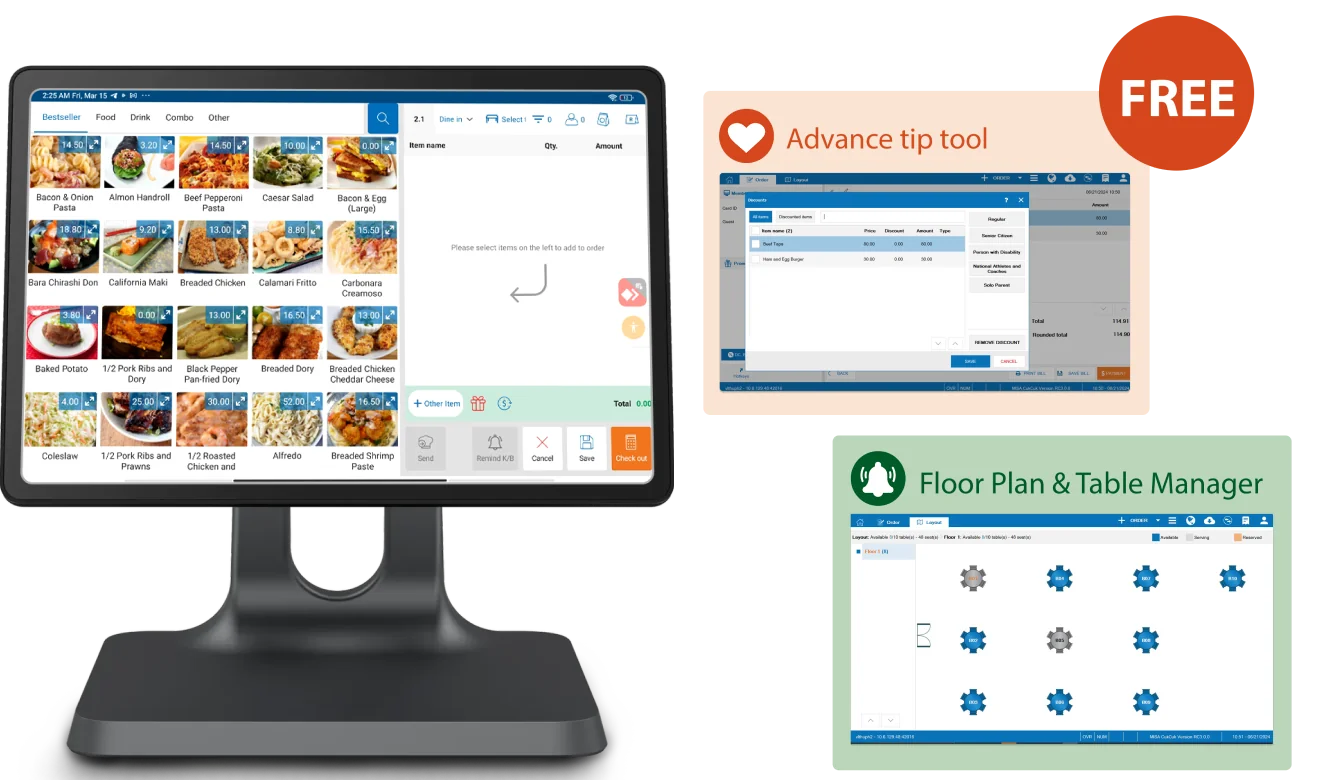
Integration: CukCuk seamlessly integrates the POS, Kitchen Display System (KDS), and Back Office into one single view. It is also built with BIR compliance in mind to simplify your local tax reporting.
-
Visual Reports: No complex Excel formulas needed. The system provides easy-to-read graphs and charts so you can understand your business at a glance.
-
Multi-Branch View: For franchise owners, you can see the performance of all your branches in one unified screen.
Conclusion
Managing a restaurant is demanding, but your operations don’t have to be chaotic. When you track sales, inventory, and staff through a comprehensive POS sales dashboard, you save hours of administrative time, reduce theft and food waste, and significantly boost your profit margins.
Ready to see your restaurant’s performance at a glance? Book a Free Demo with CukCuk today and take control of your operations. Check out our Pricing Plans to find the perfect fit for your business.