

Running a restaurant today is more than just preparing delicious food. It is about creating a seamless experience for your guests while keeping operations efficient. A restaurant POS system is software that manages orders, payments, inventory, and staff performance. It helps restaurants operate smoothly from front-of-house to back-of-house.
The goal of this guide is to help restaurant owners choose a POS system that matches their specific needs for dine-in, takeout, delivery, or multi-location operations. One standout solution in the Philippines is CukCuk, a cloud-based system trusted by over 60,000 restaurants.
Why Restaurants Need a Specialized POS System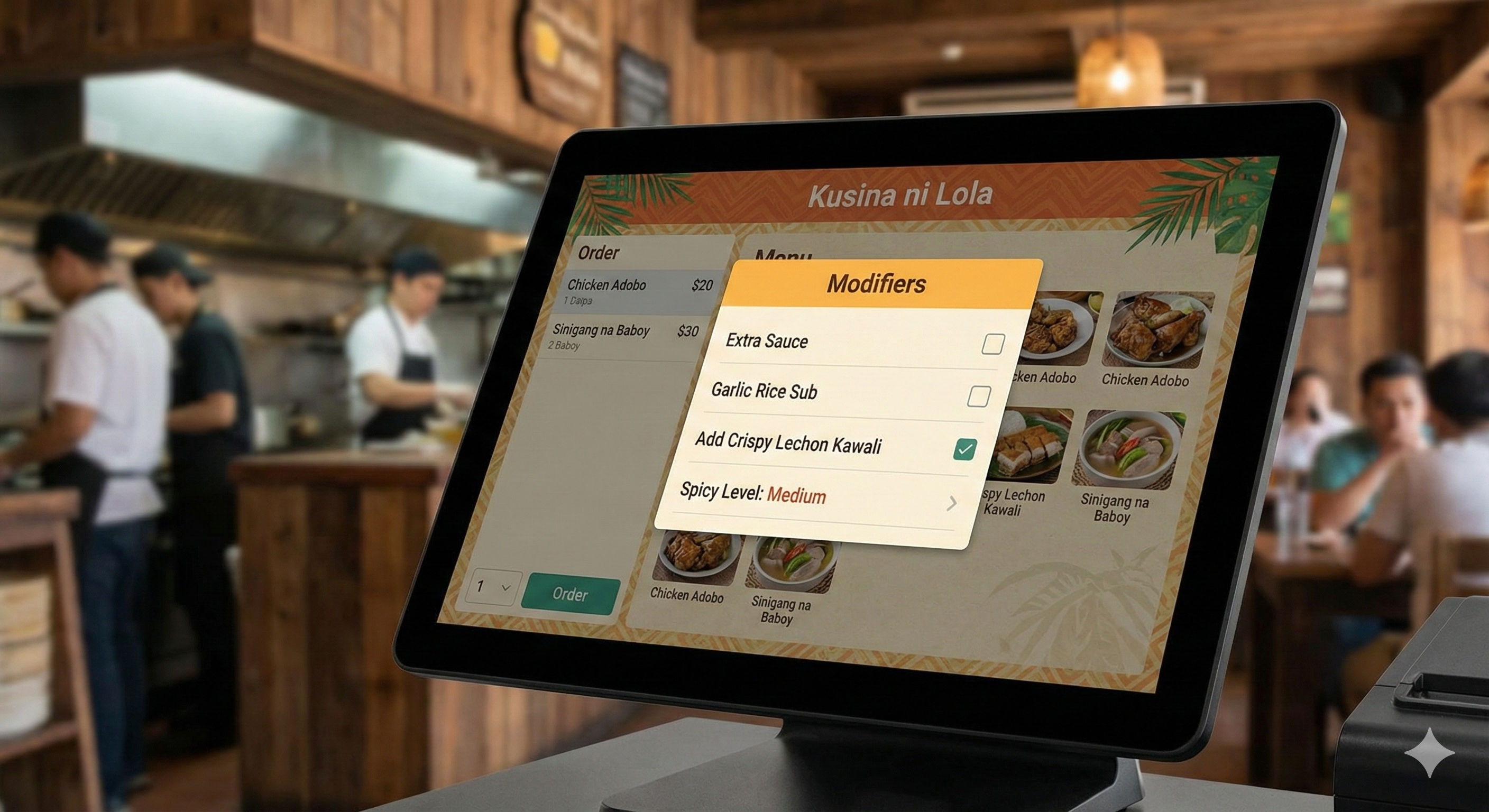
Restaurants require real-time coordination across several functions.
- Kitchen coordination and table management: Orders must reach the kitchen accurately and in the right sequence.
- Menu customization: Guests often request modifications such as “no onions” or “extra cheese.”
- High-volume transactions: Peak hours demand speed and accuracy.
- Integration capabilities: Online ordering, delivery platforms, and Kitchen Display Systems (KDS) need to work together.
- Guest experience: Faster, error-free service and personalized experiences build loyalty.
CukCuk addresses all these needs with a robust platform that links front-of-house operations to the kitchen and back-office efficiently.
Types of Restaurants That Use POS Systems
Different types of restaurants benefit from specialized POS features.
- Full-service restaurants: Manage multiple tables and reservations efficiently.
- Quick-service restaurants (QSRs): Speed and order accuracy are critical.
- Cafés and bakeries: Handle high volume of small orders and loyalty programs.
- Food trucks and pop-ups: Mobile POS solutions help manage sales anywhere.
- Bars and lounges: Track tabs and inventory in real-time.
- Buffet and self-service setups: Simplify billing and monitor stock.
CukCuk supports all these business types with features tailored for each dining model.
Key Features to Look for in a Restaurant POS System
1. Order and Table Management
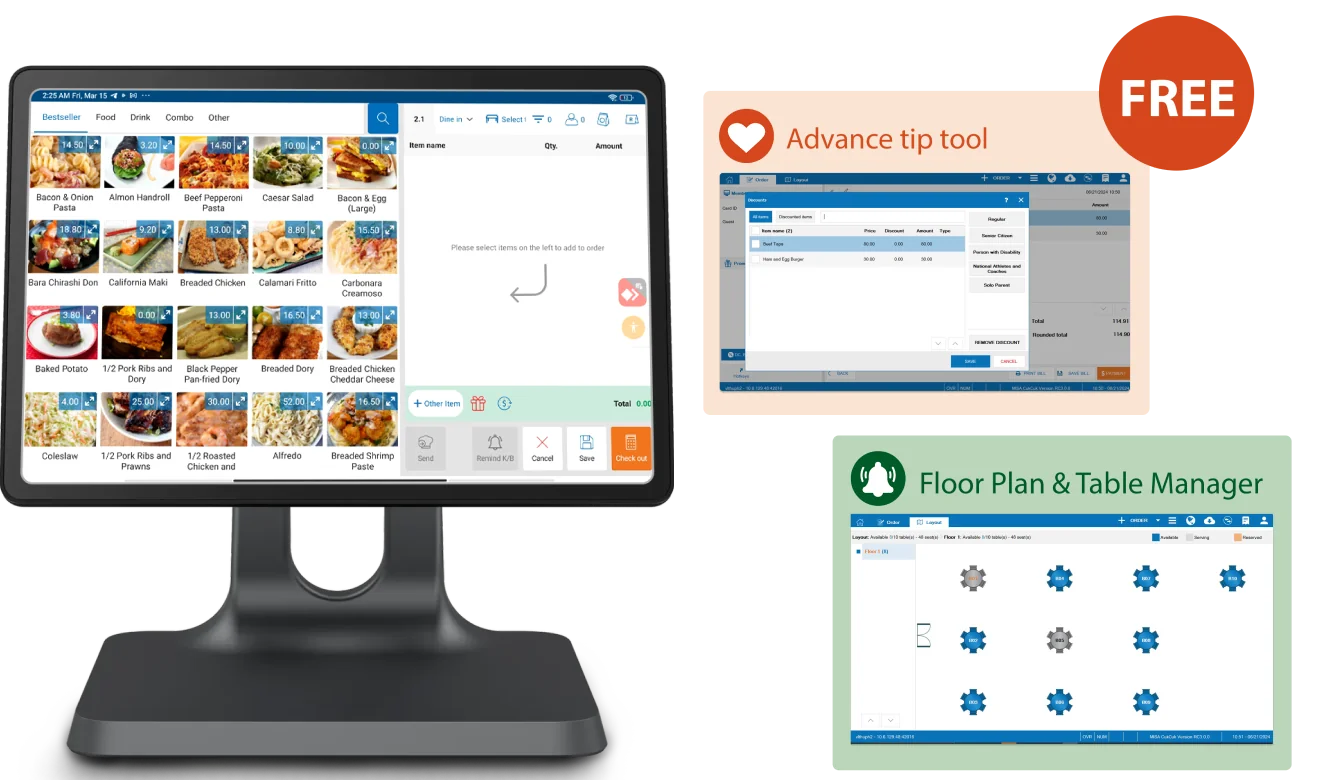
- Visual table layouts and seat-specific orders
- Handles dine-in, takeout, delivery, and curbside efficiently
- Easily combine or split bills
- CukCuk feature: Tableside ordering and mobile tablets reduce wait times and errors
2. Menu Customization and Modifiers
- Add or remove ingredients and set combos or promos
- Schedule menus by daypart, such as breakfast, lunch, or dinner
- CukCuk feature: Flexible menu management allows instant updates across all branches
3. Kitchen Integration
- Orders sent to kitchen printer or KDS in real-time
- Track preparation times and order status
- CukCuk feature: KDS integration reduces errors and streamlines back-of-house workflow
4. Integrated Payments and Tips
- Accept credit/debit cards, digital wallets, QR codes, and split payments
- Built-in tipping and contactless payment options
- CukCuk feature: Supports next-day payouts and flexible billing methods
5. Inventory and Ingredient Tracking
- Track stock usage per recipe and sales
- Alerts for low stock or items nearing expiration
- Prevent over-ordering and waste
- CukCuk feature: Real-time inventory management helps control costs efficiently
6. Employee and Shift Management
- Clock-in/out and role-based permissions
- Monitor individual performance and sales
- Assist with payroll and scheduling
- CukCuk feature: Staff management tools reduce labor issues and improve productivity
7. Sales and Business Reporting
- Real-time dashboards for sales, table turnover, and menu performance
- Customizable reports for decision-making
- CukCuk feature: Actionable analytics empower data-driven strategies
Cloud-Based vs. On-Premise Restaurant POS
- Cloud POS: Accessible anywhere, real-time sync, auto-updates. Ideal for multi-location operations.
- On-Premise POS: Greater control and useful in low-connectivity areas.
- CukCuk advantage: Cloud-based, with offline functionality to ensure seamless operations even without internet
Hardware Considerations
- Touchscreen terminals or tablets
- Kitchen printers and KDS screens
- Card readers, cash drawers, and receipt printers
- Optional handheld POS for tableside ordering or queue management
- CukCuk solution: Flexible hardware options to match any restaurant setup
Cost Considerations
- Software subscription: monthly or annual fees
- Hardware setup: purchase or lease
- Payment processing: typically 1.5% to 3% per transaction
- Add-ons: loyalty programs, online ordering integrations
- Staff training and onboarding
- CukCuk benefit: Offers transparent pricing with scalable plans for growing businesses
How to Choose the Best POS System for Your Restaurant
- Identify your restaurant type and service model
- List must-have features based on workflow
- Evaluate ease of use and training requirements
- Request free trials or live demos
- Choose a vendor with reliable support and scalability
CukCuk excels in these areas with intuitive software, 24/7 customer support, and solutions for both single outlets and multi-branch franchises.
Conclusion
A restaurant POS system is essential for streamlining operations, reducing errors, and improving service speed. Choosing the right system enhances the guest experience while keeping your business data-driven and profitable.
For restaurants in the Philippines, CukCuk provides a complete cloud-based solution that handles orders, payments, inventory, staff management, and more. Streamline your operations, delight your guests, and grow your restaurant with CukCuk.
Book a free demo with CukCuk today and discover how our POS system can transform your restaurant operations.